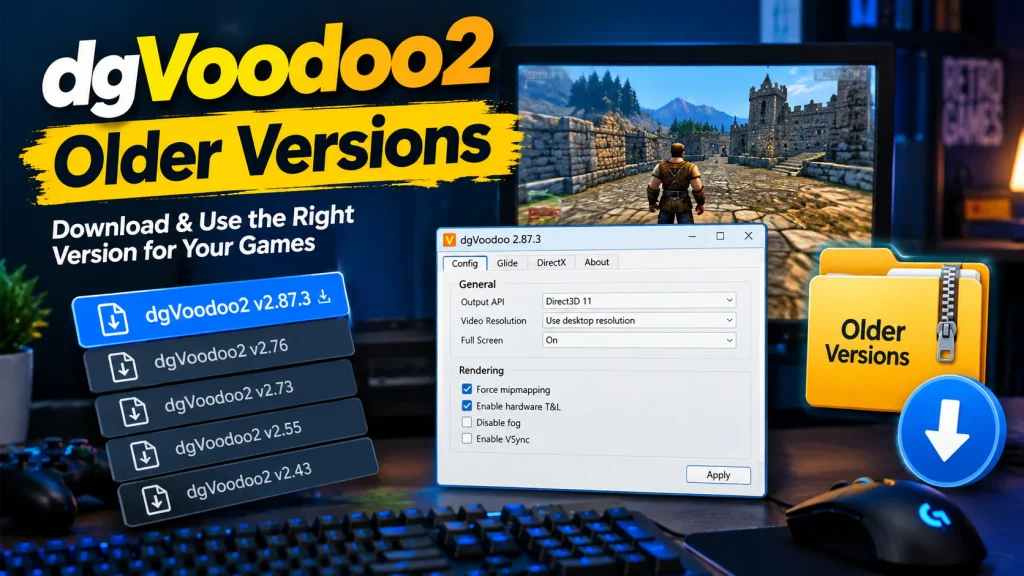
dgVoodoo2 Download & Setup Guide for Classic PC Games

Run Classic Games Using dgVoodoo2 Wrapper

dgVoodoo2 enables older DirectX games to run smoothly today.

dgvoodoo2
About dgvoodoo2

About dgVoodoo2 Graphics Compatibility Tool

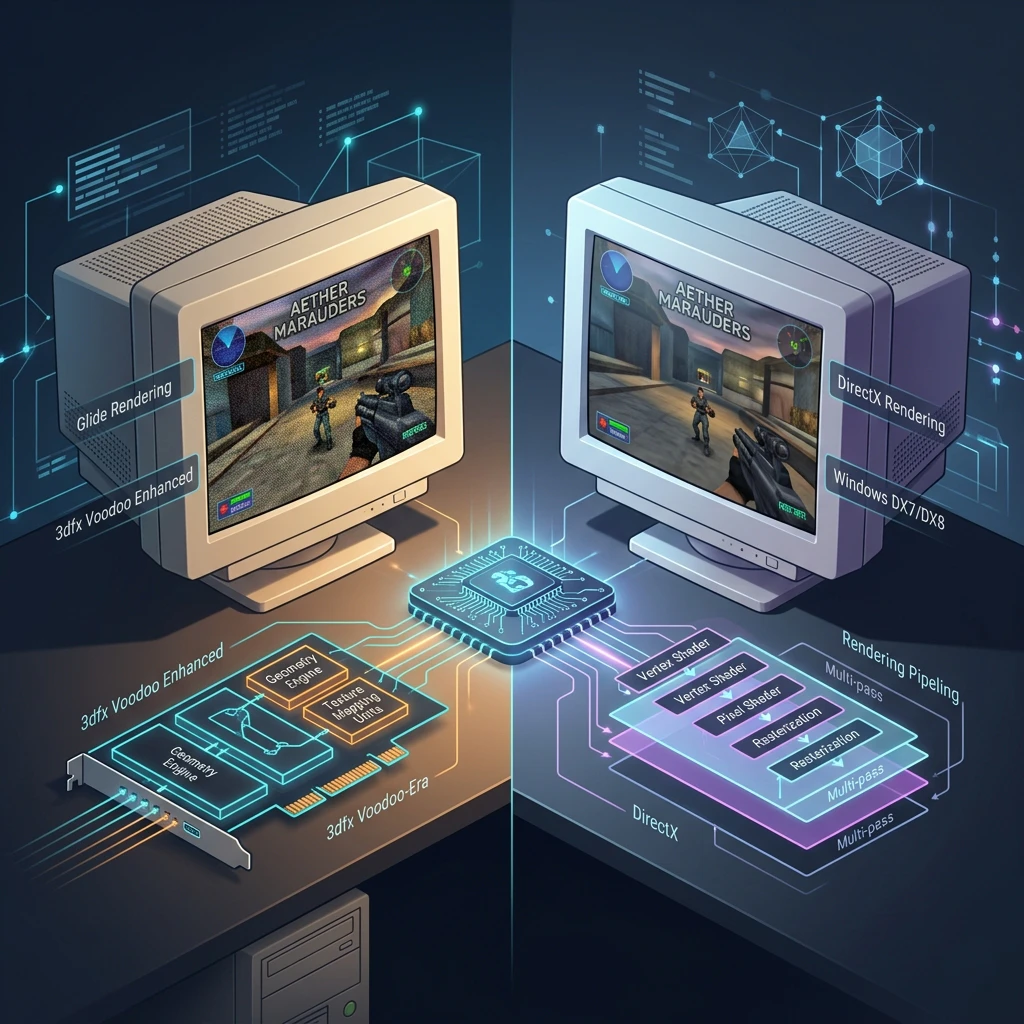
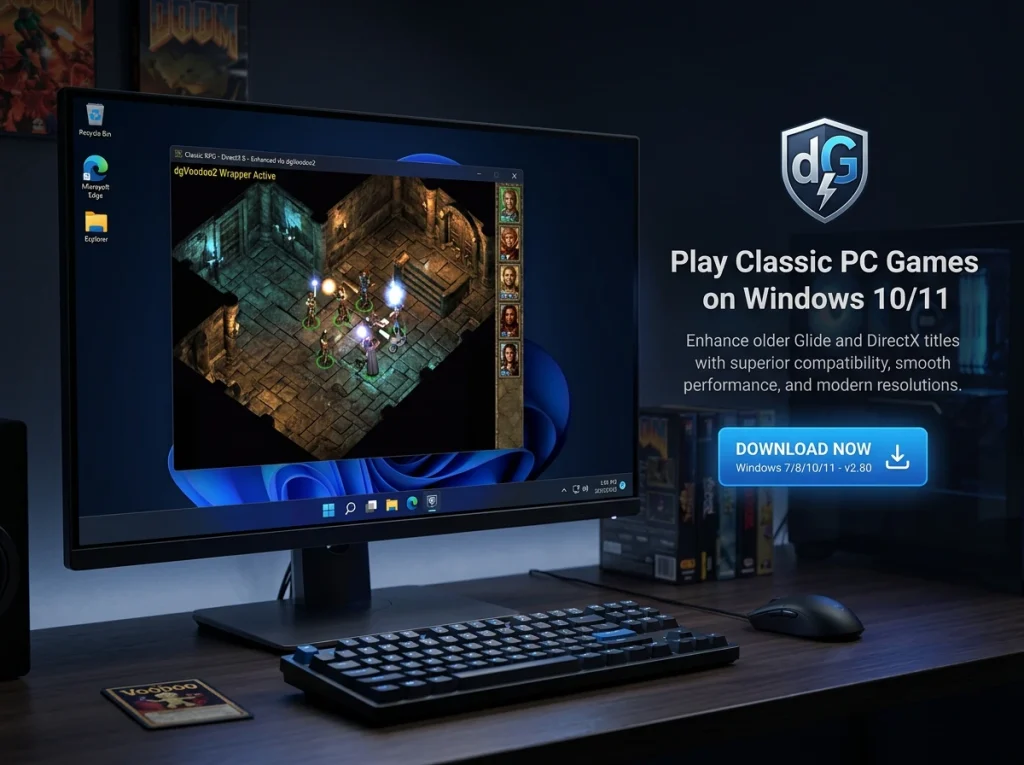
dgVoodoo2 is a powerful graphics wrapper that helps older DirectX and Glide games run properly on modern Windows systems with improved compatibility and performance.

Key Features

Powerful Compatibility Tool For Classic Windows Games

dgVoodoo2 enhances older DirectX and Glide games, enabling smooth performance and modern GPU support on Windows systems.

Advanced Graphics Support

Improves rendering quality while ensuring stable gameplay across modern hardware systems.

Easy Configuration Options

Simple control panel allows quick adjustments for resolution and compatibility settings.

Broad Game Compatibility

Supports numerous legacy titles designed for outdated DirectX environments.

dgvoodoo2 by number

Trusted Tool For Classic Game Compatibility Worldwide

dgVoodoo2 helps gamers worldwide run legacy Windows games smoothly with improved compatibility, performance enhancements, and reliable graphics support.

Total Downloads
0 M+
Supported Games
0 +
Years Active
0 +
Windows Compatibility
0 %
Featured

Featured Highlights

dgVoodoo2 delivers enhanced compatibility, performance improvements, and simplified configuration for running classic Windows games on modern hardware systems.

Steam.png

Performance

Boosts frame stability and optimizes rendering for smoother gameplay experience.

playstation.png

Compatibility

Enables legacy DirectX and Glide games on modern systems.


Nintendo.png

Configuration

Provides flexible settings for resolution, scaling, and graphics adjustments.


Xbox.png

Stability

Reduces crashes and improves reliability for older game titles.


Better Performance

Download dgVoodoo2

Download dgVoodoo2 to enhance classic game performance, improve graphics compatibility, and run older DirectX titles smoothly on modern Windows systems.

FAQ

Frequently Ask Questions

Find clear answers about downloading, installing, configuring, and troubleshooting dgVoodoo2 on modern Windows systems.

dgVoodoo2 is used to run old PC games and legacy graphics applications on modern Windows systems by converting outdated graphics APIs (like old DirectX and Glide) into newer versions supported by modern GPUs.

It mainly helps fix compatibility issues such as crashes, missing graphics, or games not launching, while also improving resolution and visual stability in older games.

Yes, dgVoodoo2 is free to download and use.

It is distributed as freeware by its developer and can be downloaded from its official website without any payment. However, it is not fully open-source software, so redistribution rules are limited compared to open-source tools. Download Here

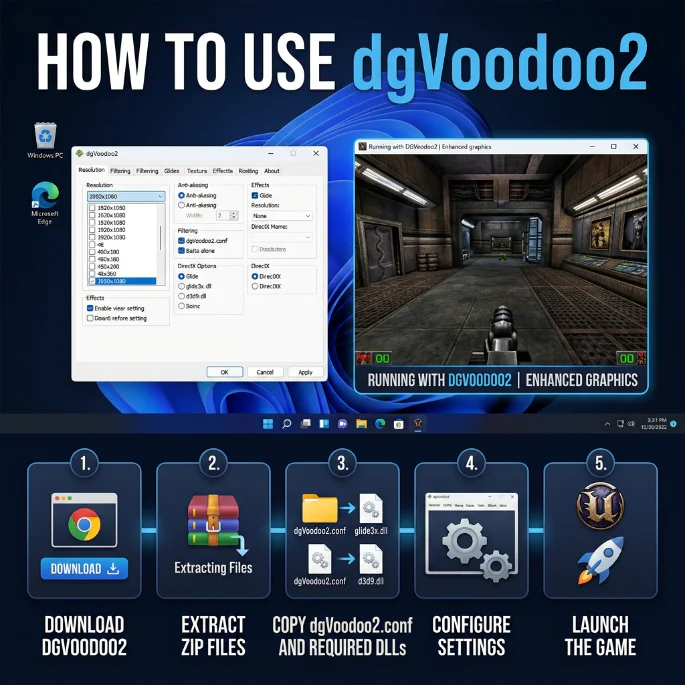
To install dgVoodoo2, download the latest version from the official website, extract the ZIP file, and copy the required DLL files from the “MS” or “x86/x64” folders into your game’s main directory. Then run dgVoodooCpl.exe to configure settings and select your GPU.

After setup, launch the game normally, and dgVoodoo2 will automatically translate the old graphics API for modern Windows compatibility.

Yes, dgVoodoo2 works on both Windows 10 and Windows 11.

It is designed to make old games compatible with modern Windows versions by translating legacy graphics APIs into DirectX 11/12, allowing older games to run smoothly on current systems.

You can download the latest official version of dgVoodoo2 from its official release page on the developer’s site or GitHub releases page.

The safest and most updated source is:

After downloading, you simply grab the newest ZIP file from the latest release and extract it.

In short: always download dgVoodoo2 only from its official website or official release page, not from third-party sites, to avoid outdated or unsafe versions.

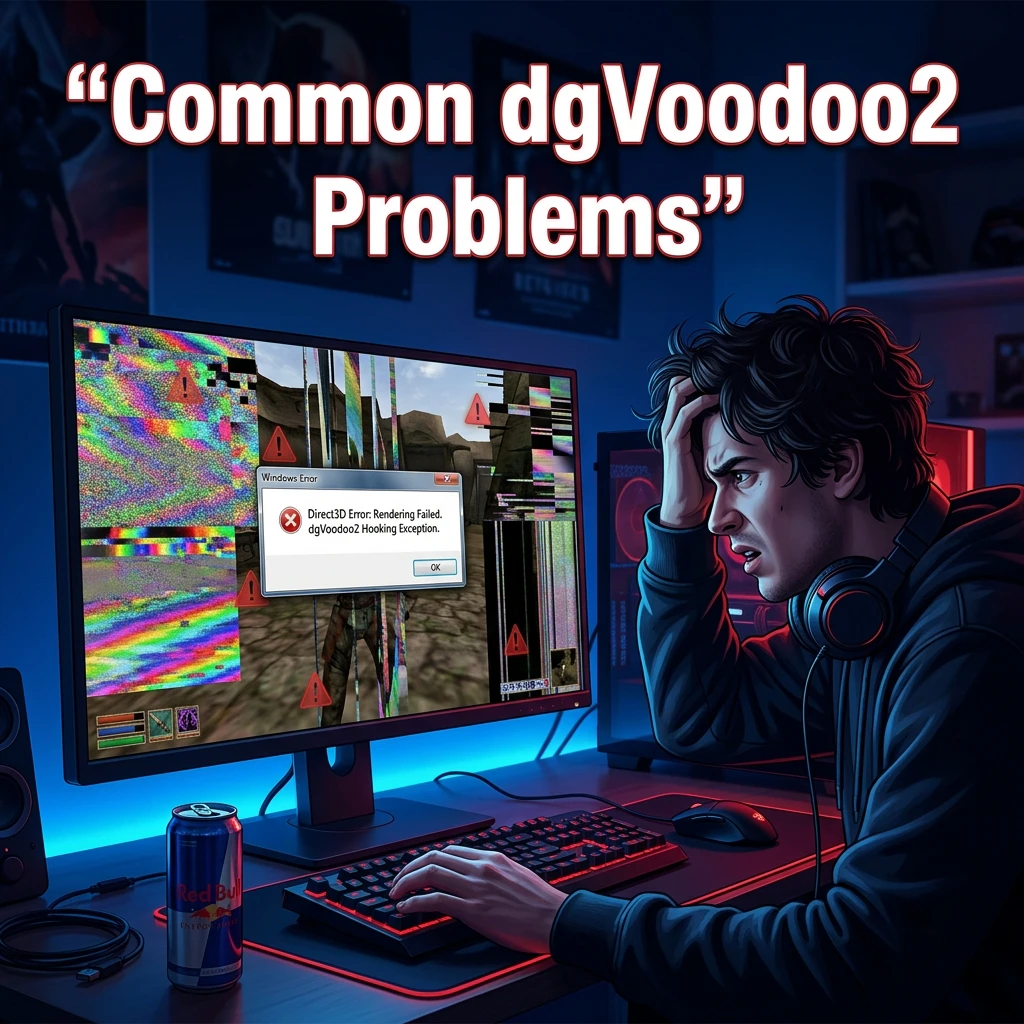
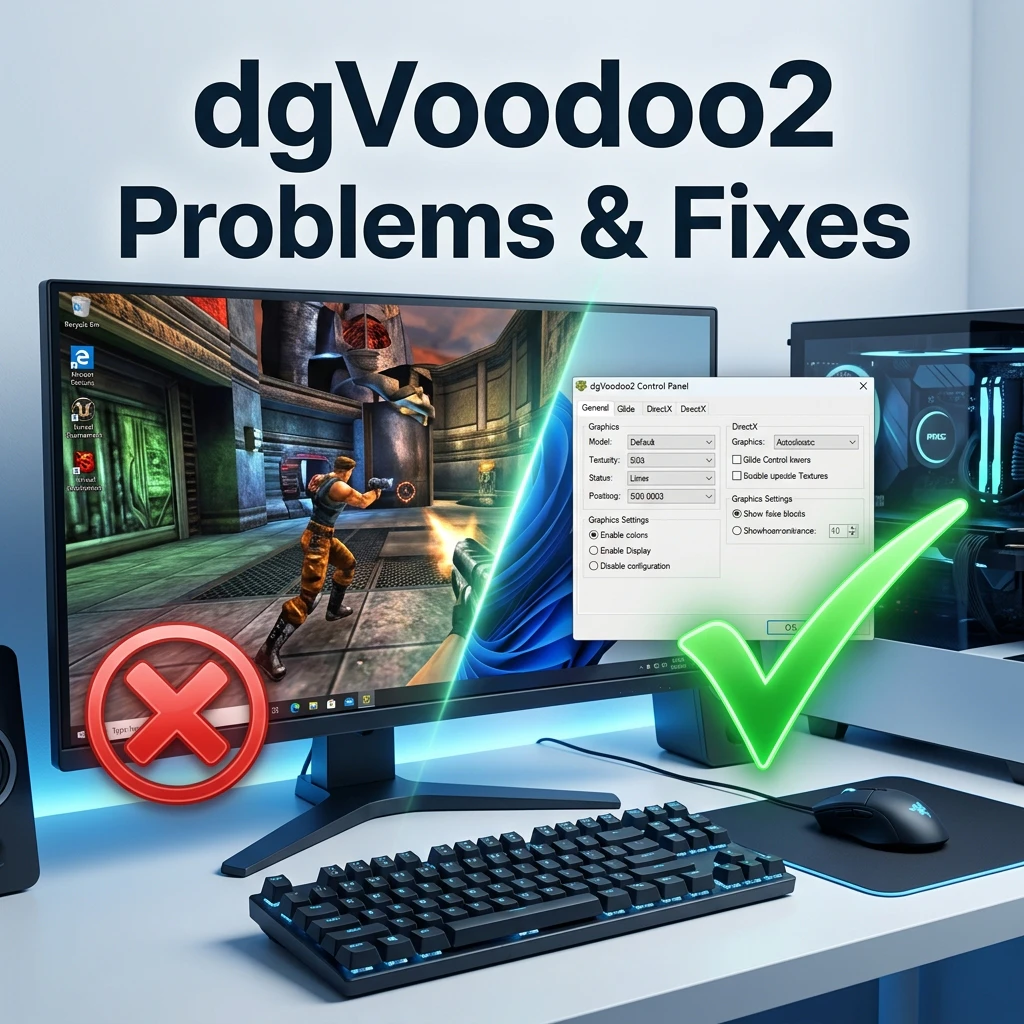
If your game is still not working after installing dgVoodoo2, it is usually due to incorrect setup or missing configuration. Common reasons include:

  • The dgVoodoo2 DLL files were not copied into the correct game folder
  • You used the wrong version (x86 vs x64) for your game
  • The game requires additional fixes or patches beyond dgVoodoo2
  • dgVoodoo2 settings are not properly configured in dgVoodooCpl
  • Missing DirectX or legacy components needed by the game
  • Antivirus or Windows permissions are blocking the files

In most cases, reinstalling dgVoodoo2 correctly and ensuring the right DLLs are placed in the game directory fixes the issue.

Blog

Latest Blogs & Articles

Stay updated with articles featuring progress reports, detailed insightinto the recompilation process, performance enhancements, platform compatibility updates, and community findingfocused on developing and executing the project on modern systems.