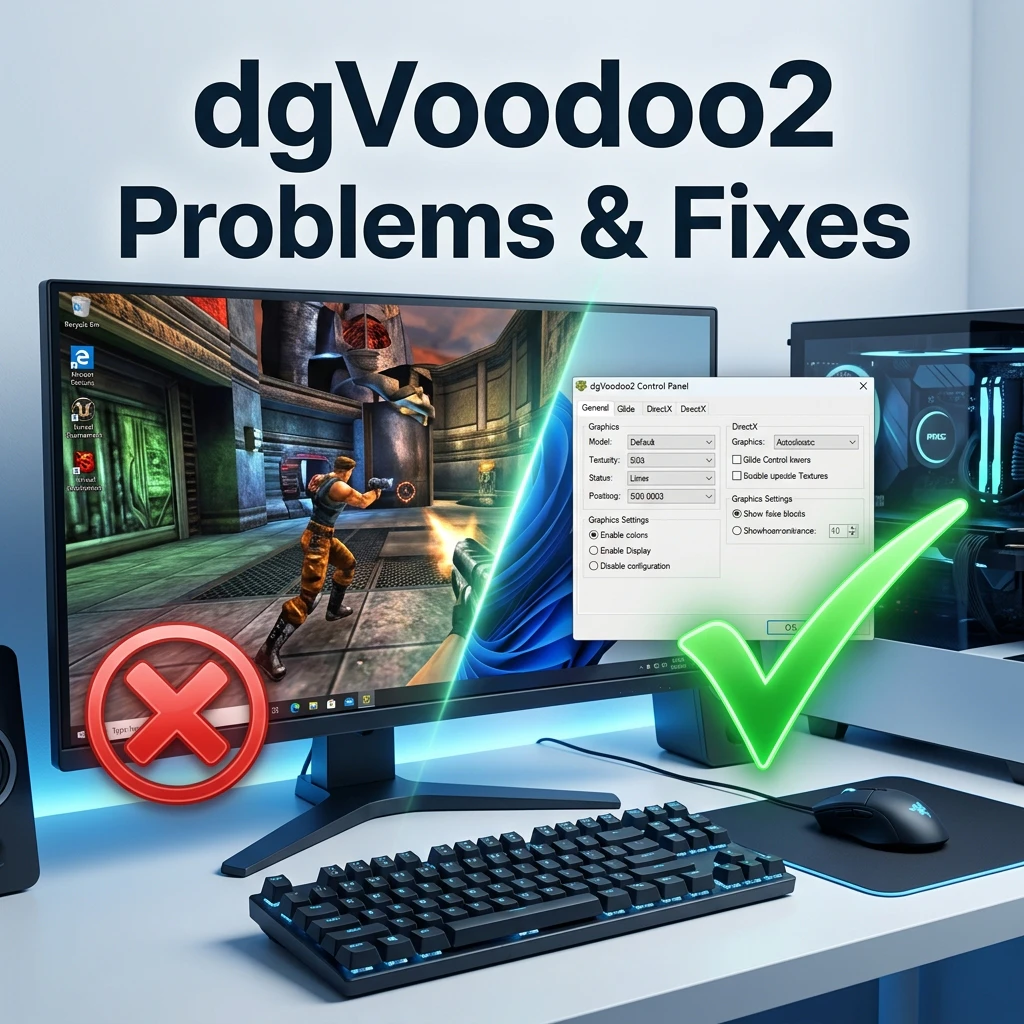
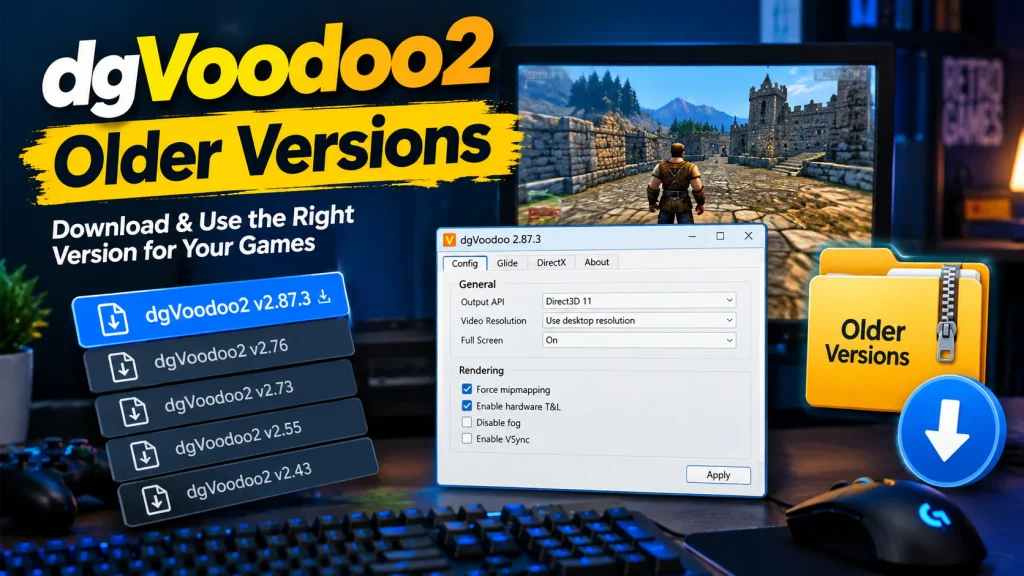
Ensure the correct DLL files are placed in the game directory, proper DirectX version is selected, and configuration settings match your system requirements.
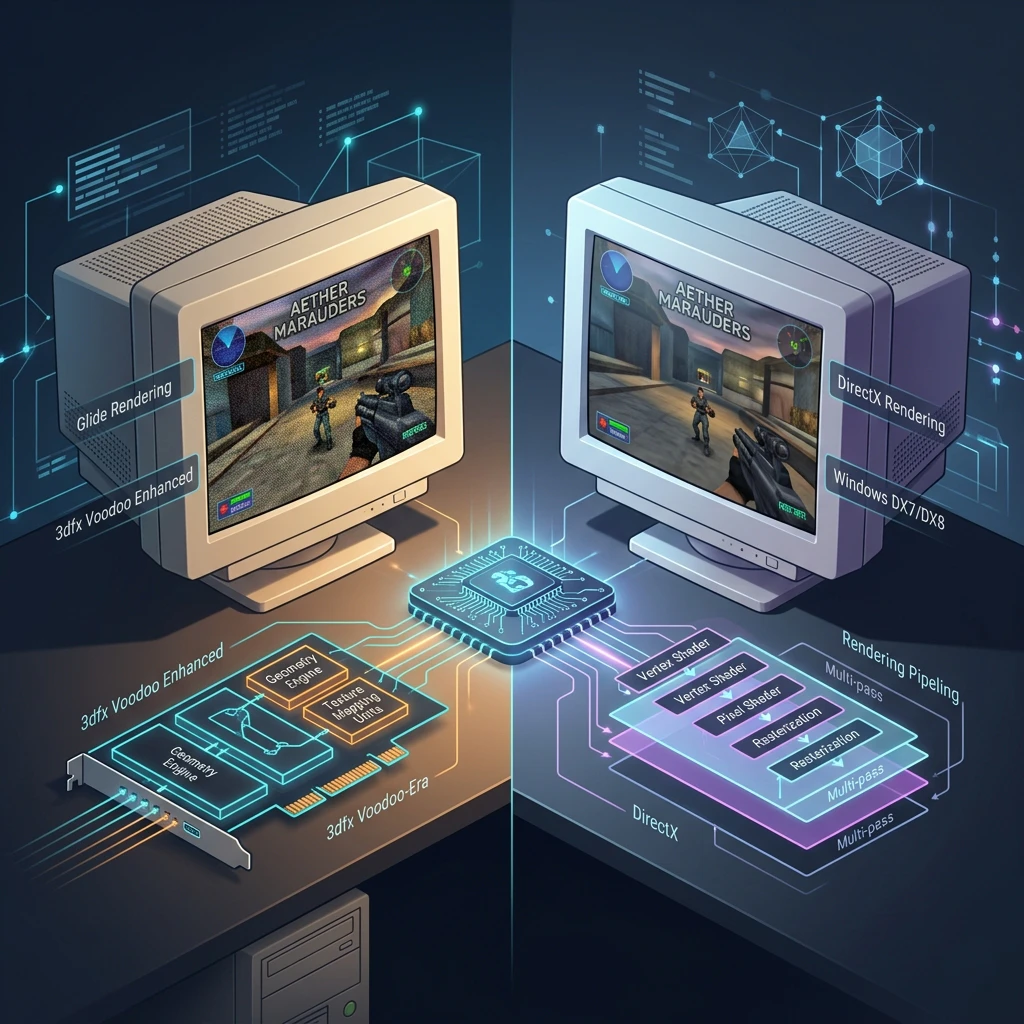
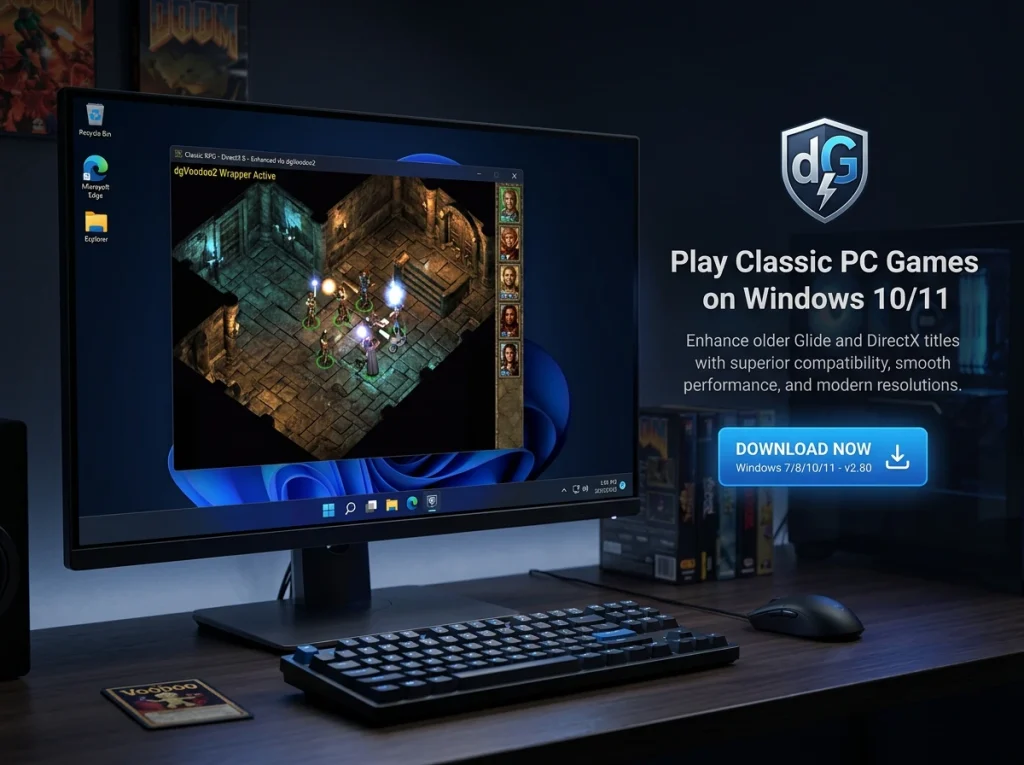
dgVoodoo2 is a powerful graphics wrapper that helps older DirectX and Glide games run properly on modern Windows systems with improved compatibility and performance.
dgVoodoo2 enhances older DirectX and Glide games, enabling smooth performance and modern GPU support on Windows systems.
Improves rendering quality while ensuring stable gameplay across modern hardware systems.
Simple control panel allows quick adjustments for resolution and compatibility settings.
Supports numerous legacy titles designed for outdated DirectX environments.
dgVoodoo2 helps gamers worldwide run legacy Windows games smoothly with improved compatibility, performance enhancements, and reliable graphics support.
dgVoodoo2 delivers enhanced compatibility, performance improvements, and simplified configuration for running classic Windows games on modern hardware systems.
Boosts frame stability and optimizes rendering for smoother gameplay experience.
Provides flexible settings for resolution, scaling, and graphics adjustments.
Find clear answers about downloading, installing, configuring, and troubleshooting dgVoodoo2 on modern Windows systems.
dgVoodoo2 is a graphics wrapper that allows older DirectX and Glide-based games to run on modern Windows PCs with improved compatibility and rendering.
Yes, dgVoodoo2 is completely free to download and use. It is distributed as freeware by its original developer.
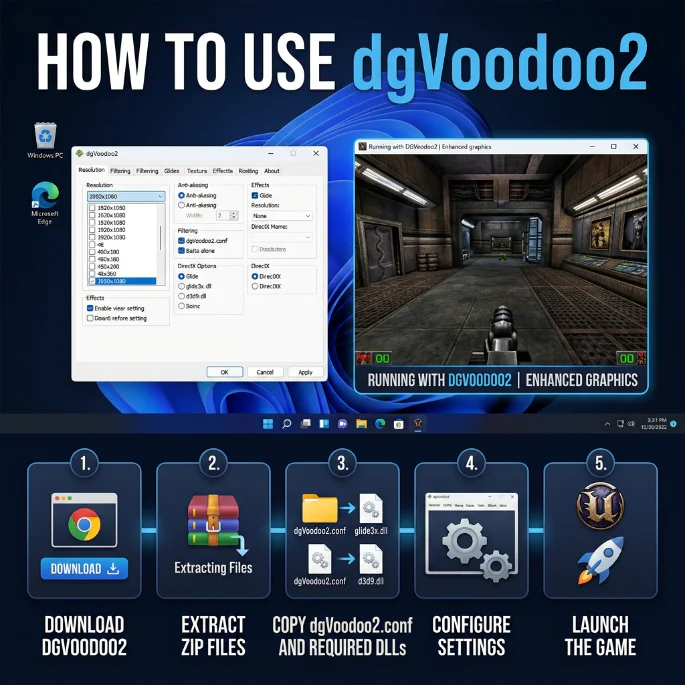
Download the latest release, extract the files, copy the required DLL files into your game folder, and configure settings using the dgVoodoo control panel.
Yes, dgVoodoo2 is fully compatible with Windows 10 and Windows 11 systems, supporting modern GPUs and updated drivers.
You can download the latest official version from the download page on this website, which links to the official release source.
Ensure the correct DLL files are placed in the game directory, proper DirectX version is selected, and configuration settings match your system requirements.
Stay updated with articles featuring progress reports, detailed insights into the recompilation process, performance enhancements, platform compatibility updates, and community findings focused on developing and executing the project on modern systems.

Overview: Which Windows Versions dgVoodoo2 Supports If you’re setting up dgVoodoo2 for retro gaming, one of the first questions you’ll

Is dgVoodoo2 safe: Security Issues Regarding dgVoodoo2 If you’ve started exploring dgVoodoo2 for retro gaming, you’ve probably run into a

Troubleshoot & Fix: dgVoodoo2 Causes Crashes on Windows 11 Windows 11 is great for modern games, but its graphics stack,

Solution To The Problem: dgVoodoo2 Not Running Games Modern Windows, security tools, and GPU drivers make it possible to run

Introduction To dgVoodoo2 on ARM64/x64/x86 Modern Windows hardware is no longer just about traditional desktop CPUs. Laptops and tablets now

Update dgVoodoo2 Without Breaking Game Settings: Step-By-Step Guide Once you have several games running smoothly under dgVoodoo2, the idea of
dgvoodoo2.com offers detailed tutorials, setup guides, compatibility tips, and official download information to help you run classic DirectX and Glide games using dgVoodoo2.